Google Workspace
Synapse integrates with Google Workspace (Gmail, Calendar, Drive, Docs, Sheets) via an OAuth-authenticated MCP server. Once connected, agents can read/write emails, create calendar events, manage Drive files, and more.
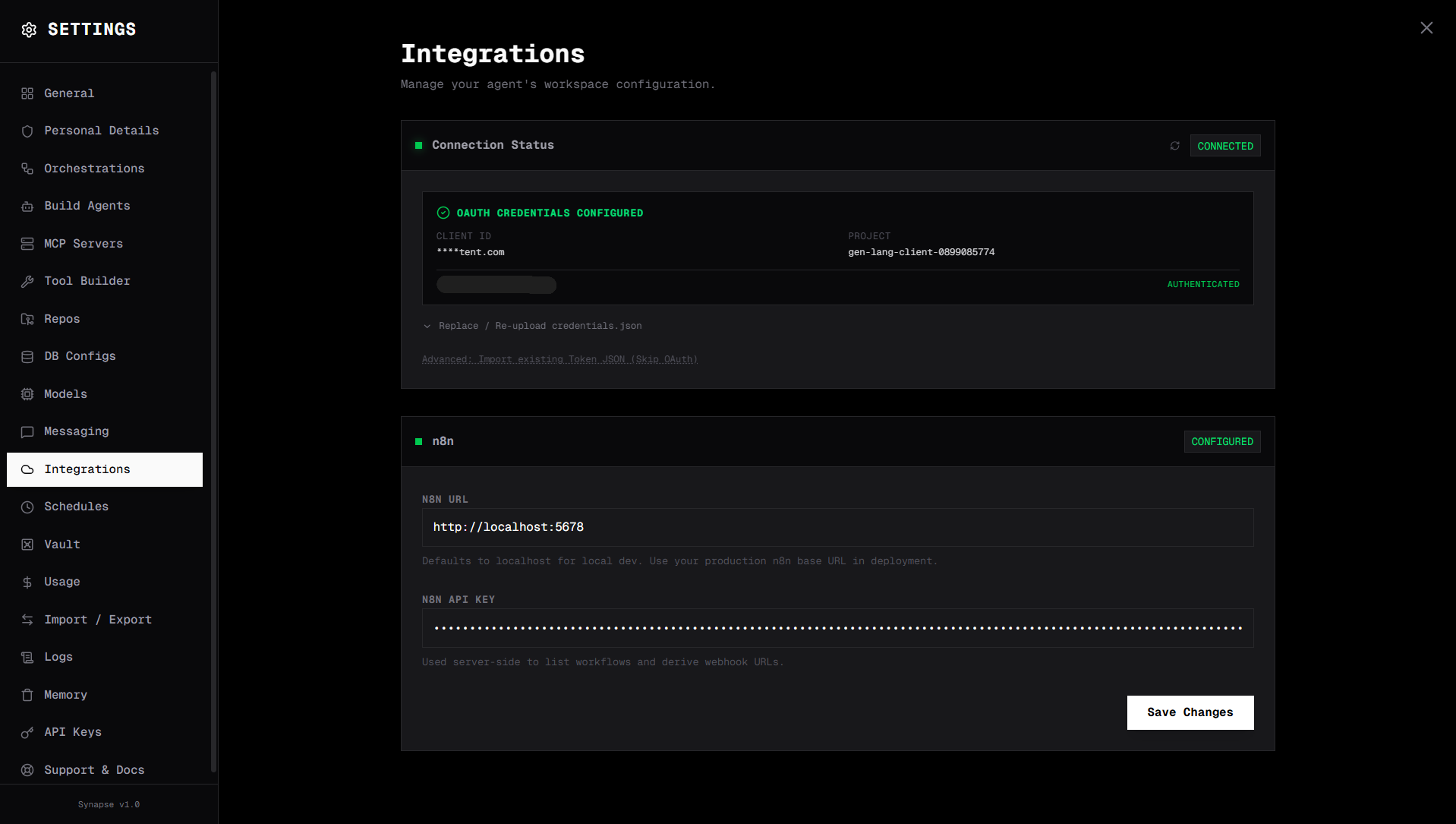
Setup
Step 1 — Create a Google Cloud OAuth app
- Go to console.cloud.google.com and create a project
- Enable the APIs you need:
- Gmail API
- Google Calendar API
- Google Drive API
- Google Docs API / Google Sheets API
- Go to APIs & Services → Credentials → Create Credentials → OAuth 2.0 Client ID
- Choose Web application
- Add
http://localhost:8000/api/mcp/oauth/callbackto Authorised redirect URIs - Download the credentials JSON
Step 2 — Upload credentials to Synapse
Go to Settings → Google Workspace and upload the downloaded credentials JSON file.
Step 3 — Authenticate
Click Connect Google Account. A browser window opens for the Google OAuth flow. After authorising, the connection is confirmed.
Step 4 — Available tools
Once connected, Google Workspace tools become available to all agents:
| Tool | Description |
|---|---|
gmail_read | Read emails by label, search query, or ID |
gmail_send | Send an email |
gmail_reply | Reply to a thread |
calendar_list | List upcoming events |
calendar_create | Create a calendar event |
drive_list | List Drive files |
drive_read | Read a file's content |
drive_upload | Upload a file to Drive |
sheets_read | Read cells from a Google Sheet |
sheets_write | Write data to a Sheet |
docs_read | Read a Google Doc |
docs_create | Create a new Doc |
Example agent prompts
Check my calendar for tomorrow and send a summary to slack.
Read the latest 5 emails with subject "invoice" and extract the amounts into a spreadsheet.
Create a Google Doc with the draft report and share it with the team.
Token storage
OAuth tokens are stored in:
DATA_DIR/token.json— main tokenDATA_DIR/google-credentials/token.json— workspace MCP token
Tokens are refreshed automatically. If the connection expires, go to Settings → Google Workspace and click Reconnect.
Required scopes
The OAuth app requests these scopes:
https://www.googleapis.com/auth/gmail.modifyhttps://www.googleapis.com/auth/calendarhttps://www.googleapis.com/auth/drivehttps://www.googleapis.com/auth/documentshttps://www.googleapis.com/auth/spreadsheets
You can restrict scopes in the Google Cloud console if you don't need all of them.