Chat with an agent
Ask an agent something and watch it work: the tools it calls, the passages it cites, and the calls that wait for your yes.
Chat is the quickest way to try an agent: ask what its users will ask, and watch what it does. It is also how people use an agent day to day, and the same agent answers the same way on your website widget and in Slack or Telegram.
Ask a question
Choose the agent
Open Chat. Choose who to talk to with the agent's name at the foot of the message box. The agent is fixed for the conversation once it starts; press New Conversation to talk to another.
Ask
Type the question and press Send, or Enter; Shift+Enter adds a line. Ask the Order desk Who should we notify after a data breach?
Watch it work
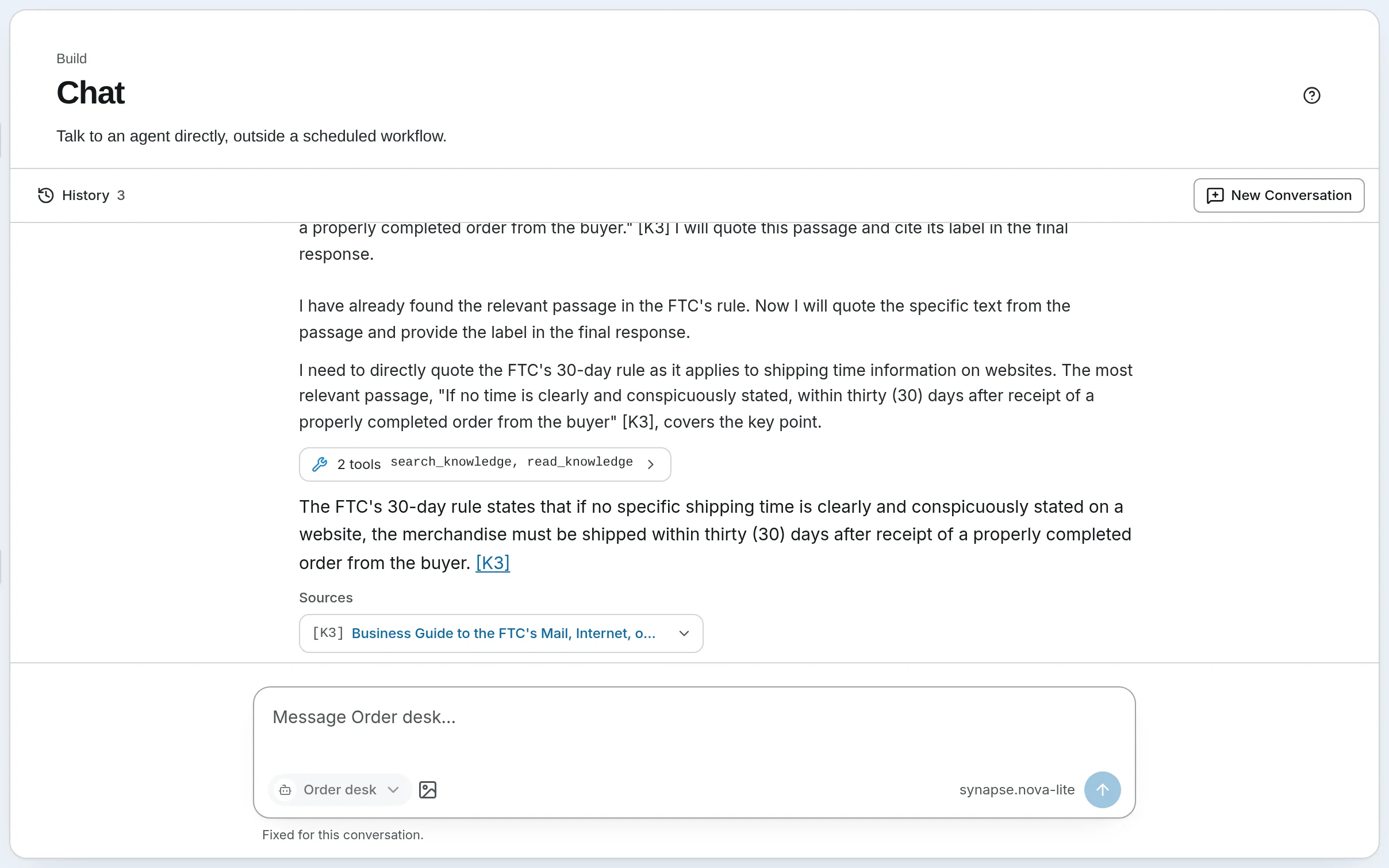
The reply streams in as the agent works. Each tool call shows in a line you can open — 1 tool search_knowledge — with the arguments it sent and what came back. When the agent answers from a knowledge base, the passages it used are listed under the answer as Sources, each with its document, page and section, and [K1] in the answer jumps to its source.
Carry on, or start again
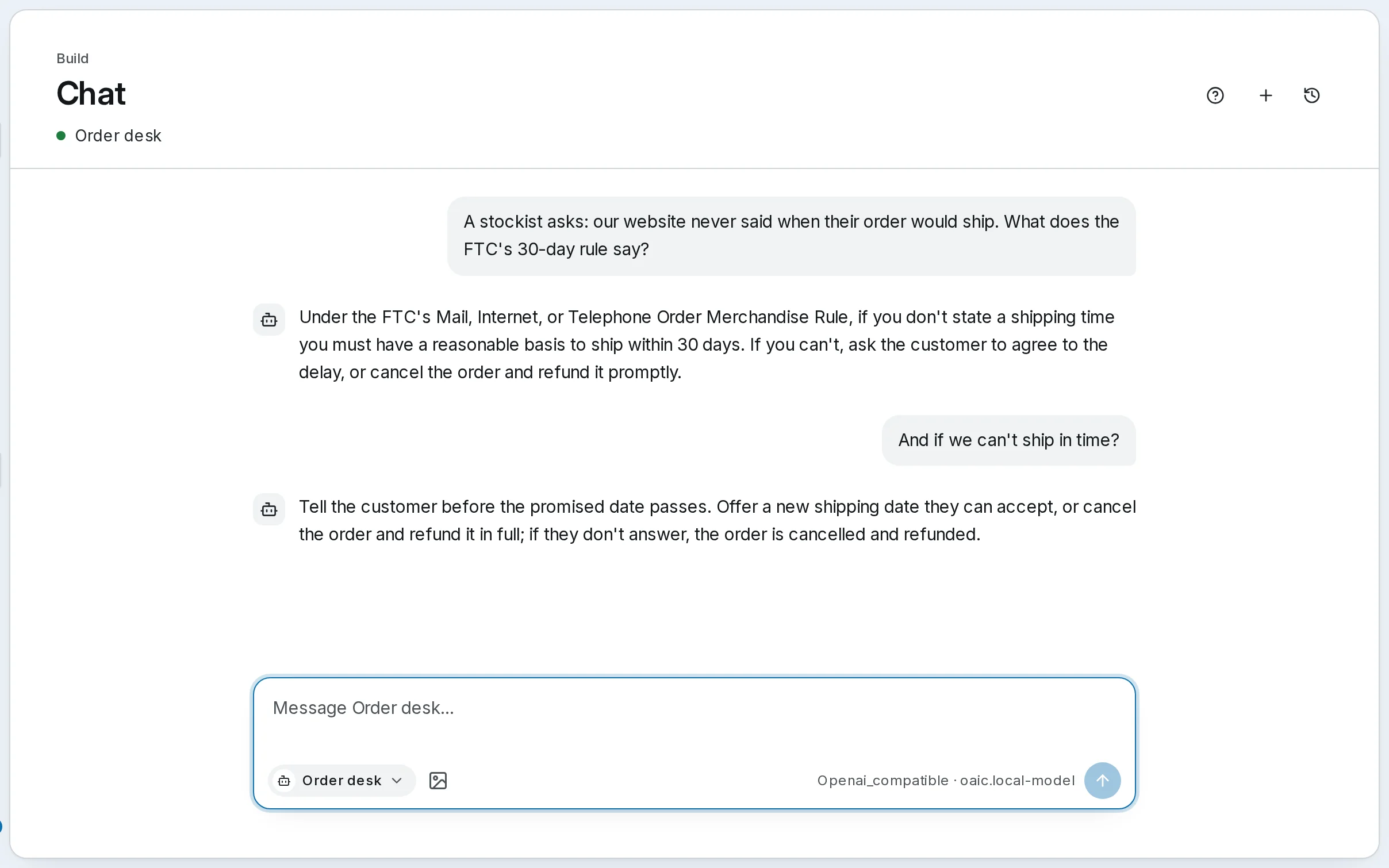
Ask a follow-up: the agent gets the recent turns of the conversation, so And if we can't ship in time? means what you meant. Stop ends a reply; Edit rewrites your last message and asks again; Try again retries one that failed. History lists your past conversations to pick up later.
When a tool call needs your yes
If the tool policy says Ask first for a call the agent wants to make, the turn stops and asks: Permission needed, with Allow once and Refuse, and a box for why. Allowing runs that one call, with those arguments, and the turn carries on. Refusing tells the agent, which works around it.
Sending a new message instead of answering refuses the call: the card reads You moved on — this was not run.
Good to know
- A turn runs on the server, not in your browser. Close the tab or lose the connection and it still finishes; its answer is waiting when you come back.
- Images. Attach, drop or paste up to five images when the agent's model can read them — or, for a workflow agent, when one of its steps has Sees attachments on.
- Viewers can read conversations but not send a message.
- Talking to a workflow. A workflow deployed as an agent (Deploy as agent, in the menu of its editor's top bar) is in that list too, marked Workflow: your message is its input, and its result is the reply.
Self-hosted
Self-hosted SynapseOrch opens on Chat. Pick the agent with its name at the foot of the message box; switching agents starts a new conversation, and + starts one with the same agent. The welcome line says Model not ready, with the reason, when the agent's model cannot answer yet.
Go further
- Chat — sessions, history, stopping, approvals and sources in full
- Agents, Chat and Workflows — how sources are checked against the passages
- Chat API — the same conversation from your own code
Next: when the job is the same every time, build it as a workflow.